

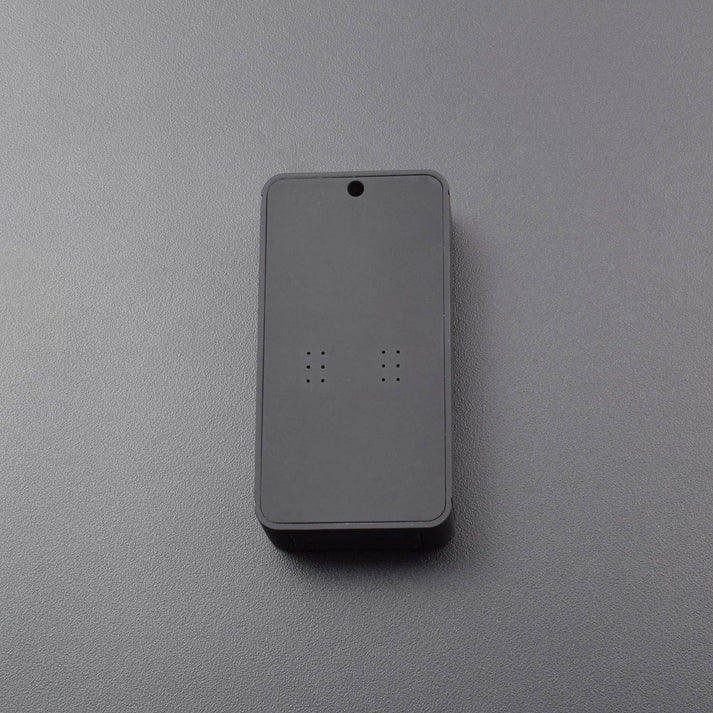
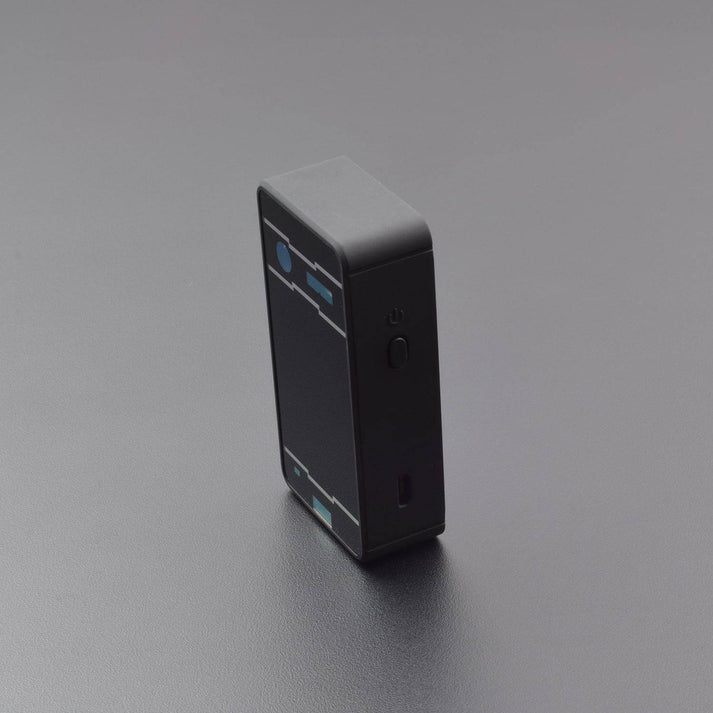

Description
NOTE: Product Images/videos are shown for an illustrative purpose this will be different from actual products.
Bluetooth devices (iPhone or PC or iPad).
On IOS, type Settings-Bluetooth.
Click ON button means open Bluetooth, iPhone / iPad began looking paired device.
Click Laser Keyboard to complete pairing After successful pairing shows “Connected“, the blue LED light will stop flashing.
Connection with the host device mounting system:
Android System navigation icon as follow: Home → Main Menu → Settings → Wireless and Network → Bluetooth setting.
Click Laser Keyboard to complete pairing After successful pairing shows “Connected”, the blue LED light stop.
Caution:
This keyboard is NOT waterproof. Please keep it far from water.
The laser is safe and passed tests of FDA. However, please don’t let laser project to your eyes directly.
If you don’t use it frequently, please charge it fully at least one time per month.
When the environmental light is strong, don’t use it because the projected keyboard is not visible enough.
Package Included:
1x Laser Projection Keyboard
1x USB Cable
1x User Manual



Reviews
There are no reviews yet.